
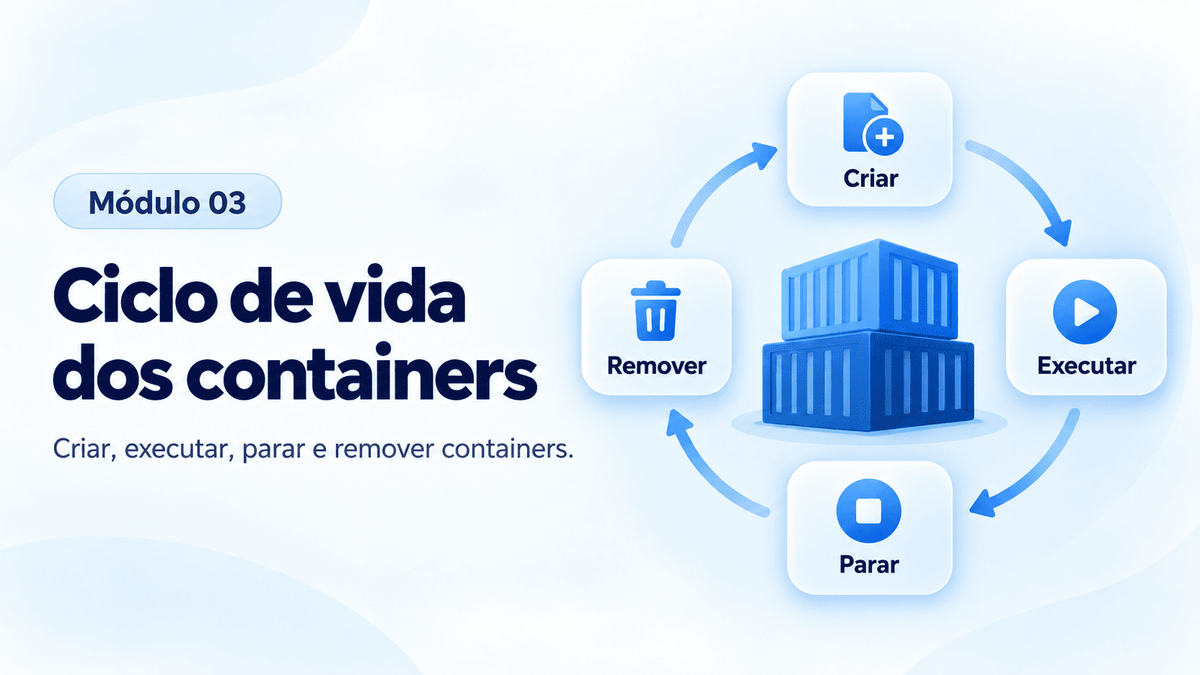
O container passa por diferentes estados.
created
   │
   ▼
running
   │
   ▼
stopped
   │
   ▼
removed
Criar e executar
docker run nginx
O terminal ficará ocupado porque o processo principal está em primeiro plano.
Use Ctrl+C.
Agora:
docker ps -a
Executar em segundo plano
docker run -d nginx
-d significa detached.
Nomear o container
docker run -d --name web01 nginx
Liste:
docker ps
Parar
docker stop web01
Iniciar novamente
docker start web01
Reiniciar
docker restart web01
Remover
Primeiro pare:
docker stop web01
Depois:
docker rm web01
Criar sem iniciar
docker create --name teste nginx
Verifique:
docker ps -a
Inicie:
docker start teste
Executar comandos dentro do container
docker exec web01 hostname
Abrir shell:
docker exec -it web01 bash
Desafio
Crie três containers:
web01
web02
web03
Todos utilizando Nginx.
Depois:
- pare
web02; - remova
web03; - mantenha
web01funcionando; - confirme o resultado usando
docker ps -a.